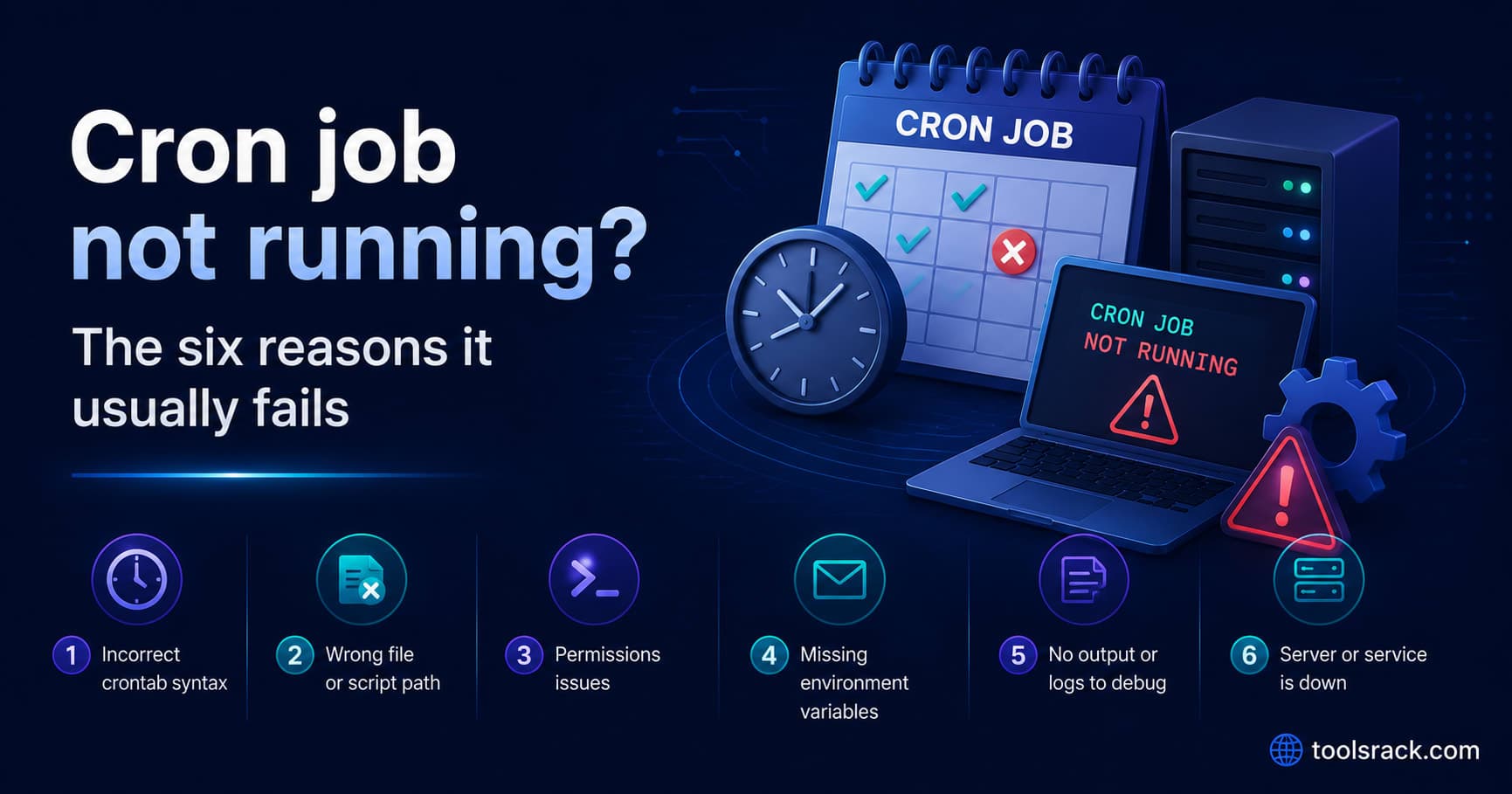
Cron job not running? The six reasons it usually fails
· Updated
By ToolsRacks Team · Developer Guides
Cron fails silently by design. The six usual causes, in the order worth checking, plus the day-of-week trap that catches experienced engineers.
The crontab entry is there. The script runs fine when you execute it by hand. And yet nothing happens at the scheduled time — no output, no error, no log line. Cron fails silently by design, which is why debugging it feels like guesswork.
It rarely is. Cron jobs fail for a short list of reasons, and you can work through them in about ten minutes.
- Check the schedule first — an asterisk left in the minute field runs the job 60 times, not once.
- The environment is nearly empty — cron does not read your shell profile, so
PATHis minimal. - Use absolute paths for the interpreter, the script and every file it touches.
- Capture output — without redirection, errors go nowhere you will look.
- The day-of-week trap — restricting both day fields means OR, not AND.
A cron job that does not run usually fails for one of six reasons: the schedule does not mean what you think, the job's environment lacks the PATH and variables your shell provides, a relative path resolves differently under cron, the script is not executable, output is discarded so failures are invisible, or the crontab was edited without a trailing newline. Working through them in that order finds the cause in most cases.
1. The schedule does not mean what you think
Read the five fields in order: minute, hour, day of month, month, day of week. The most expensive mistake is an asterisk left in the first field.
* 3 * * *     runs 60 times, every minute from 03:00 to 03:59
0 3 * * *     runs once, at 03:00
People usually discover the first version through an unexpected API bill rather than through monitoring.
Do not read a schedule and assume — check it. Paste the expression into our cron expression parser, which validates the syntax and lists the next ten run times in both your local timezone and UTC. If the first run is not when you expected, you have found the bug in three seconds.
2. The day-of-month and day-of-week trap
This one is genuinely counterintuitive and catches experienced engineers.
0 0 1 * 1You might read that as "midnight on the first of the month, if it is a Monday". Standard cron reads it as "midnight on the first of the month, OR every Monday" — an OR, not an AND, whenever both day fields are restricted.
If either day field is *, the behaviour is the intuitive one. It is only when both are set that the OR applies. To require both conditions, schedule on one of them and check the other inside the script.
3. The environment is almost empty
This is the single most common reason a job runs perfectly by hand and does nothing on schedule. Cron does not load .bashrc, .bash_profile, .zshrc or anything else. Your job starts with a minimal PATH — often just /usr/bin:/bin — and none of your exported variables.
Everything that depends on that breaks:
node,python3,phpinstalled via a version manager are not on the path at all- API keys and database URLs exported in your profile are undefined
~may not expand the way you expect
The fix is to be explicit. Use the full path to the interpreter, and source your environment inside the job:
0 3 * * * /usr/local/bin/node /srv/app/scripts/report.js

# or, when the script needs environment variables
0 3 * * * . /home/deploy/.env_cron; /usr/local/bin/python3 /srv/app/sync.py
Run which node in your shell to get the real path — and be aware that a version-manager path such as ~/.nvm/versions/node/... may not exist for the cron user at all.
4. Relative paths resolve somewhere else
Cron starts the job in the user's home directory, not in the script's directory. Any script that reads ./config.json or writes logs/output.txt is now pointing somewhere different.
0 * * * * cd /srv/app && /usr/local/bin/node worker.jsChanging directory first is the simplest fix, and it keeps working when someone moves the crontab to another user.
5. Output is being discarded, so failures are invisible
By default cron mails output to the local user — a mailbox almost nobody reads on a modern server, and often not configured at all. If your job is failing, the error message probably exists and you have never seen it.
0 3 * * * /srv/app/run.sh >> /var/log/myjob.log 2>&1The 2>&1 is the important part: it redirects errors as well as normal output. Without it you capture the successes and lose the failures, which is precisely backwards.
Once that log exists, most debugging becomes reading it.
6. Small things that stop cron entirely
- No trailing newline. A crontab file whose last line has no newline may be ignored. Always end with a blank line.
- Unescaped percent signs. In a crontab,
%means newline. A date format like%Y-%m-%dmust be written\%Y-\%m-\%d. This silently truncates the command at the first%. - The script is not executable.
chmod +x, and confirm the shebang line is correct. - Wrong user's crontab.
crontab -lshows yours. A job added undersudolives in root's crontab and will not appear. - The cron daemon is not running. Rare on a server, common in a container — many base images do not run cron at all.
- The machine was asleep. Standard cron does not catch up on missed runs. On a laptop, a job scheduled for 03:00 simply does not happen.
A ten-minute debugging routine
- Verify the schedule in a parser and read the next ten run times.
- Confirm the entry exists with
crontab -l, as the right user. - Add a trivial job to prove cron itself works:
* * * * * date >> /tmp/crontest.log. Wait two minutes. If that file stays empty, the problem is cron or the daemon, not your script. - Add output redirection to the real job and wait for one run.
- Read the log. Most of the time the answer is
command not found, which means an absolute path is missing. - Check the system cron log —
/var/log/syslogorjournalctl -u cron— to confirm cron attempted to start the job at all.
Step 3 is the one people skip and the one that splits the problem in half.
Cron questions people ask
Why does my script work manually but not in cron?
Almost always the environment. Your interactive shell loads a profile with a full PATH and your variables; cron loads neither. Use absolute paths and source the variables explicitly.
What timezone does cron use?
The server's system timezone, which frequently is not yours. Our parser shows each run in both local time and UTC so a mismatch is obvious before you deploy.
Does cron run missed jobs after a reboot?
No. Standard cron does not catch up. If a run must not be skipped, use anacron, a systemd timer with Persistent=true, or a proper job queue with retries.
Why is my expression rejected as invalid?
Usually a field-count mismatch. Standard UNIX cron takes five fields; Quartz and Spring use six or seven because they add seconds. Drop the leading seconds field to convert.
What does */7 in the minute field actually do?
It fires at minutes 0, 7, 14, 21, 28, 35, 42, 49 and 56 — then restarts at 0. The gap across the hour boundary is four minutes, not seven. Steps that do not divide the range evenly are never perfectly regular.
How do I stop two runs overlapping?
Wrap the command in flock, or have the script take a lock file and exit if one exists. Cron starts a new run whether or not the previous one finished.
Start with the one-line test
Confirm the schedule in a parser, prove cron works with a one-line test job, then add absolute paths and output redirection to the real one. That sequence finds nearly every silent cron failure.