How to bold text in Upwork proposal (step by step)
· Updated
By ToolsRacks Team · How-To Guides
How to bold text in an Upwork proposal with Unicode characters — plus where to use it, where it costs you search visibility, and why.
You spent an hour writing the perfect Upwork proposal. You hit send. And it looks like a wall of plain, unformatted text — exactly like every other proposal the client received that day. No bold headings. No structure. Nothing to make your words stand out.
This matters more than most freelancers realize. Clients on Upwork scan proposals in seconds. A proposal with clear formatting and bold key points gets read. A plain block of text gets skipped. The difference between landing a contract and getting ignored can come down to how your proposal looks — not just what it says.
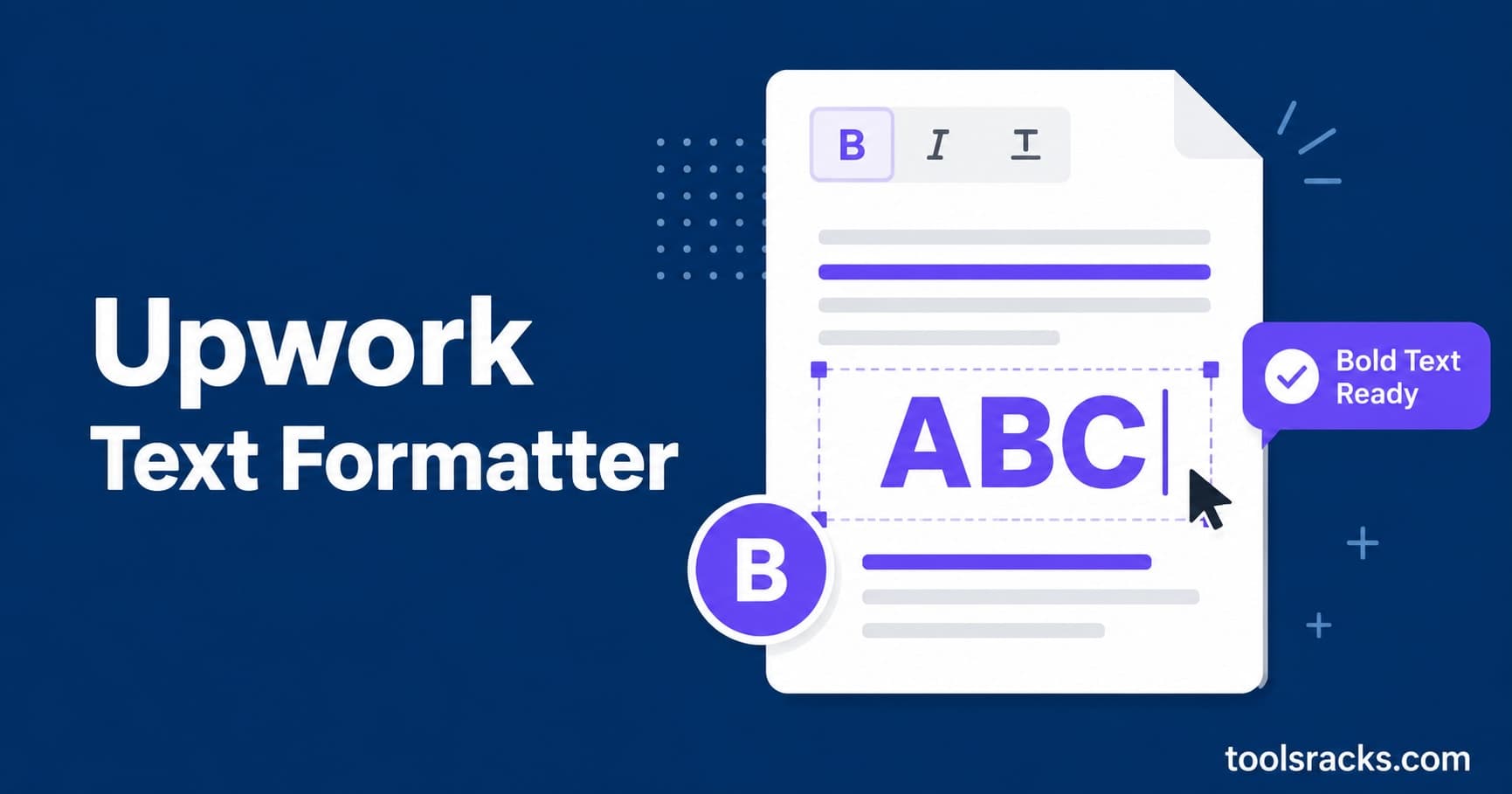
The good news: you can bold text in your Upwork proposal right now, without any technical knowledge, using the ToolsRacks Upwork Text Formatter. The less-discussed part — and the reason this guide is longer than most — is that the technique has real trade-offs, and using it badly costs you more than plain text would.
- What: Bolding text in Upwork means substituting Unicode bold characters, because Upwork's fields are plain text.
- How: Paste your text into a formatter, click Bold, copy the output, paste it into Upwork.
- How much: Two or three emphasised elements. Not the whole proposal.
- Important caveat: Styled words are different characters, so Upwork's search will not match them and screen readers may not read them properly.
Bold text in an Upwork proposal works by using Unicode bold characters — separate symbols that look like bold letters and are accepted in Upwork's plain-text fields. Upwork does not support markdown or HTML in proposals. Paste your text into a Unicode formatter, copy the bold output, and paste it into your proposal. The whole process takes under two minutes and needs no account or software.
What bold text formatting in Upwork actually is
Bold text formatting in Upwork is the use of Unicode characters to visually emphasize words inside Upwork's proposal and profile fields. Because Upwork uses a plain-text editor with no HTML or markdown support, standard methods like **bold** or <strong> appear as literal characters instead of formatting.
The mechanism matters, because everything else in this guide follows from it. The letter A in normal text is the character U+0041. The bold-looking version 𝗔 is U+1D5D4 — a completely different character that happens to be drawn in a bold weight. Your text is not being styled. It is being rewritten into different characters.
Those characters come from the Mathematical Alphanumeric Symbols block, originally added to the Unicode standard so that mathematicians could distinguish a bold vector from a plain variable. Freelancers adopted them for a purpose nobody designed them for — which works, with the consequences described further down.
How to bold text in an Upwork proposal, step by step
- Write the full proposal in plain text first. Draft and proofread everything before any formatting. Styled characters do not respond to spellcheckers, and fixing a typo inside one means replacing the whole word.
- Open the formatter. Go to the Upwork text formatter — it runs in your browser, so your proposal, rates and client details are never uploaded anywhere.
- Format only the lines that need it. Paste a line, click Bold, and copy the result. Do this for your opening line and one or two section labels — not for the whole document.
- Paste into Upwork. The characters carry their appearance with them, which is exactly why the technique survives a plain-text field.
- Preview before sending. Read it back in the Upwork interface, ideally on a phone. Rendering can differ between the web app, the mobile app and email notifications.
Where to use it — and where not to
| Location | Use bold? | Why |
|---|---|---|
| Proposal opening line | Yes — one line | This is the line that earns the read. It is the highest-value place to spend emphasis. |
| Section labels in a long proposal | Yes — sparingly | Used as headings rather than emphasis, they make a long proposal scannable. |
| Profile overview headings | Yes — 2–3 max | Breaks up a long block. Keep the body plain. |
| Your skills, tools and job titles | No | These are the terms clients search for. Styled, they will not match. |
| Your professional title | No | A primary search field. Styling it removes you from results. |
| Rates, dates and deliverables | No | Anything a client must not misread should be in ordinary characters. |
| The whole proposal | No | Emphasis works by contrast. If everything is bold, nothing is. |
The trade-offs nobody mentions
Almost every guide on this topic stops at "paste and copy". These are the costs, and they are worth knowing before you build a habit around the technique.
- Upwork's search cannot match styled text. A styled word is a different sequence of characters from the plain word, so a client searching for "WordPress" will not match your beautifully bolded "𝗪𝗼𝗿𝗱𝗣𝗿𝗲𝘀𝘀". This is the single most expensive mistake freelancers make with these tools — they style exactly the terms that were supposed to make them findable.
- Screen readers handle it badly. Assistive software reads characters, not visual weight. Depending on the reader, styled text may be announced character by character with descriptions like "mathematical bold capital A", or skipped entirely. A hiring manager using a screen reader may hear nothing where your headline was.
- Character limits can bite sooner than you expect. Many of these characters occupy two units of storage rather than one, so some fields count them double. Check your final length with the word counter if you are near a cap.
- Rendering is not guaranteed everywhere. On older devices or in some email clients, unsupported characters show as empty boxes. Uncommon on current phones, but it does happen.
- Accented and non-Latin characters have no styled equivalents. They pass through unchanged, which makes mixed-language text look uneven.
- Overuse reads as spam. A proposal where every second line is bold is harder to skim than one with no formatting at all.
A proposal structure that works
Here is the shape that gets the benefit without paying the costs:
[bold] One line naming the client's actual problem, in their words.
Plain paragraph with your specifics: which platforms, what you shipped, how long it took, what went wrong and how you handled it.
• Plain bullet — deliverable one
• Plain bullet — deliverable twoPlain closing question that is easy to answer.
One bold line at the top. Everything searchable stays as ordinary characters. Bullets carry the structure. That is the whole pattern, and it outperforms a heavily styled proposal in practice because it stays readable and stays findable.
Upwork formatting questions
Does Upwork support markdown or HTML in proposals?
No. Asterisks and HTML tags appear as literal characters. Unicode substitution is the only method that renders as formatting in these fields.
Will bolding my proposal get my account flagged?
Using Unicode characters in text fields is not a violation in itself — these are standard characters that any text field accepts. What draws negative attention is spam-like presentation, so heavy styling is a bad idea for reasons of judgement rather than rules.
Can I use this in Upwork messages and cover letters too?
Yes — proposals, cover letters, profile overviews and client messages all accept these characters. The same restraint applies in each.
Does the formatter store my proposal?
No. Formatting runs entirely in your browser, so drafts, rates and client details never reach a server.
Does this work on other platforms?
Yes — the same technique works anywhere with plain-text fields, including LinkedIn. The limits and etiquette differ, so see the LinkedIn text formatter for the 3,000-character cap and the mobile truncation point.
Should I bold text in my Upwork profile title?
No. Your title is one of the strongest signals Upwork's search uses to surface you. Styling it makes you harder to find, which costs far more than the visual gain.
The one-line version
Use bold for the first line of your proposal and nothing else. Keep your skills, tools and titles in plain characters so clients can still find you. Formatting gets a proposal read — it does not get it sent to you in the first place.