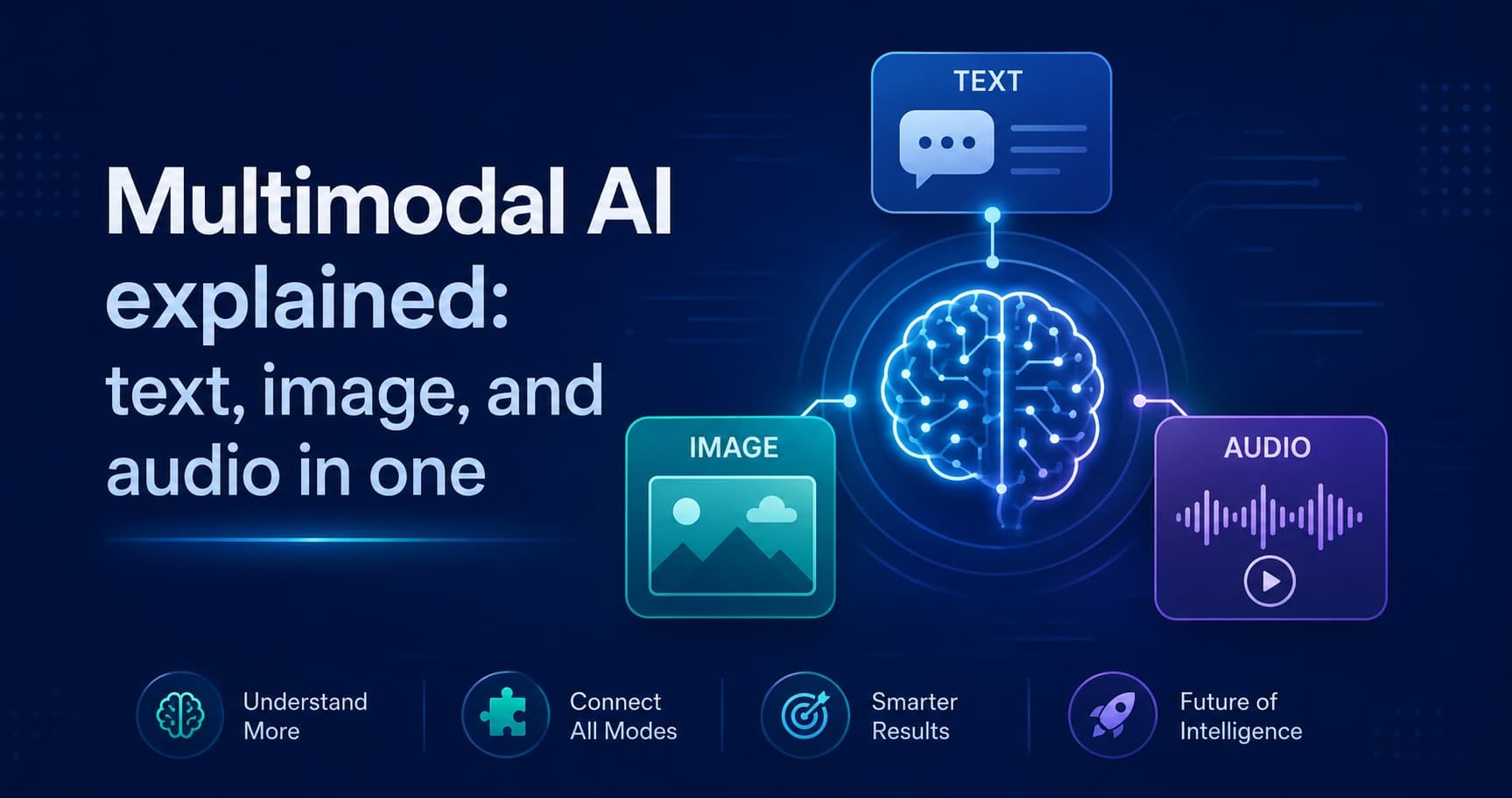
Multimodal AI explained: text, image, and audio in one
· Updated
By ToolsRacks Team · AI & Technology
What changes when you add an image to an AI request — token cost, size limits, latency — plus how to actually send one to a vision API.
A model that only reads text has to be told what is in a picture. A multimodal model looks at the picture itself. That sounds like a small difference until you try to build something with it — at which point the practical questions arrive all at once: how do you actually send an image, what does it cost, and how large can it be?
This guide answers those, in that order. It is aimed at someone about to make their first vision API call, not at someone reading about the field in the abstract.
- What: A multimodal model accepts more than one kind of input — typically text plus images, sometimes audio or video — inside a single request.
- How images travel: Usually as a Base64-encoded string embedded in the JSON request body, or as a URL the provider fetches.
- What it costs: Images are converted into tokens. A large image can cost more than several paragraphs of text.
- Biggest practical constraint: Request size limits. Resizing before encoding is almost always the fix.
What "multimodal" actually means
A multimodal model processes several types of input inside one model and one request, rather than routing each type to a separate specialised system.
The distinction is worth being precise about, because a lot of products described as multimodal are really pipelines. A pipeline runs speech-to-text, hands the transcript to a language model, and passes the answer to a text-to-speech system. Three models, three handoffs, and information lost at each one — tone, hesitation, and everything visual that the transcript could not carry.
A genuinely multimodal model represents the image and the text in the same space, so it can answer questions that depend on both at once: "does this screenshot match the error described in this log?" is a question neither a vision model nor a text model can answer alone.
Three things change the moment you add an image
This is the part that surprises people who arrive from text-only APIs.
1. Images are billed as tokens, and they are not cheap
Providers convert an image into a token count, typically based on its dimensions — larger images are divided into more tiles, and each tile costs tokens. A single high-resolution photo can cost more than a page of text. If you are sending images in a loop, this is usually where an unexpected bill comes from. Check your provider's current image token formula before estimating cost, because these rules change between model versions.
2. Request size limits bite quickly
Base64 encoding inflates binary data by roughly 33%: every 3 bytes become 4 characters. A 6 MB photo becomes about 8 MB of text inside your JSON body, which will exceed the request limits of many endpoints and gateways. Resizing first is not an optimisation, it is usually a requirement.
3. Latency goes up
The image has to be uploaded, decoded and processed before generation starts. For an interactive interface, budget for a noticeably slower first response than a text-only call and show the user something while it happens.
Sending an image to a vision API, step by step
Most providers accept two forms: a public URL, or the raw bytes Base64-encoded into the request. The URL form is simpler; the Base64 form is what you need for anything private, generated on the fly, or behind authentication.
- Resize before you encode. Match the provider's recommended maximum dimension rather than sending the original. Our image resizer takes a single width and preserves the aspect ratio, which is the safe way to do it. A 4000-pixel photo scaled to 1024 across typically loses nothing the model was using.
- Encode the bytes. Convert the file to a Base64 string. You can see exactly what that produces — and confirm padding and alphabet — with the Base64 encoder and decoder, which is genuinely useful when a request is being rejected and you need to know whether the string itself is malformed.
- Build the data URL. Most APIs expect the string prefixed with its media type:
Gettingdata:image/jpeg;base64,/9j/4AAQSkZJRgABAQAAAQ...image/jpegwrong for a PNG is a common cause of a silent rejection. - Place it in the message content. Vision APIs take an array of content parts — one text part, one image part — rather than a plain string. If your image is being ignored entirely, this structure is the first thing to check.
- Validate the JSON before sending. A payload with a multi-megabyte string in it is miserable to debug by eye. Paste it into the JSON formatter to confirm it parses and the structure is what you intended.
Where multimodal genuinely beats separate models
Not every task needs it. These are the cases where combining inputs changes the answer rather than just the plumbing:
- Reading documents that are partly layout. Invoices, forms and receipts carry meaning in position — which number sits under which label. A model that sees the page handles this far better than one reading extracted text in reading order.
- Screenshots in support and QA. "What is wrong with this interface?" needs both the picture and the description of expected behaviour.
- Accessibility descriptions. Generating alt text that reflects the surrounding article requires the image and the context together.
- Charts and diagrams. Extracting the trend from a graph is a visual task with a textual answer.
- Anything where tone matters in audio. A transcript records the words and discards how they were said.
Failure modes worth testing before you ship
- Dense text in images is not OCR. Vision models read headlines and short labels well and degrade on small print, tables and handwriting. For a scanned contract, a dedicated OCR step first will beat asking the model to read it.
- Counting is unreliable. "How many people are in this photo?" produces confident wrong answers on crowded images. Treat counts as estimates.
- Fine spatial relations drift. Left versus right, above versus below, and precise positions are weaker than object recognition. Do not build a layout checker on it without testing.
- Compression artefacts change answers. A heavily compressed image can lose the detail the question depends on. If you are compressing to fit a size limit, check the result at full size first — our image compressor shows the before and after file sizes so you can find the point where quality starts costing you accuracy.
- Uploads leave your infrastructure. Anything you send to a hosted model is processed by that provider. Screenshots routinely contain customer names, internal URLs and tokens. Redact before sending, and check the provider's data retention terms rather than assuming.
Common questions
Is multimodal AI the same as generative AI?
No — they describe different axes. Generative describes what the model produces; multimodal describes what it accepts. A model can be both, and most current vision models are.
Do I have to use Base64 for every API?
No. Many providers also accept a public image URL and fetch it themselves, which avoids the size inflation entirely. Base64 is what you need when the image is private, freshly generated, or sitting on a user's device.
Why is my image being ignored?
In roughly this order: the content array is malformed and the image part is not where the API expects it; the media type in the data URL does not match the actual file; the Base64 string is truncated; or the request exceeded a size limit and was rejected before processing.
What image formats are supported?
JPEG, PNG, WebP and non-animated GIF cover almost every provider. Animated formats and unusual colour profiles are where support diverges — convert to JPEG or PNG first if you are unsure, which the image converter handles.
Can I send several images in one request?
Usually yes, and it is the right approach for comparison tasks — before and after, or a set of variants. Watch the combined token cost, which adds up faster than most people expect.
Do I need to be a developer to try this?
No. Every major chat interface now accepts image uploads directly, and that is enough to evaluate whether a model handles your kind of image well. The encoding details in this guide only matter once you are calling the API from your own code.
Where to start
Take one real image from your actual use case — not a sample photo — resize it to about 1024 pixels wide, and ask the model the question you would genuinely want answered. That single test tells you more about whether multimodal fits your problem than any capability list, including this one.